01
Text
Highlight confusing words, paragraphs, docs, or technical terms and get a clear explanation in place.
 WDTM
WDTMWDTM is an AI Chrome extension that explains selected text, images, charts, and confusing web content directly on the page.
Highlight text or right-click an image to get instant explanations without switching tabs or copying content into ChatGPT.
Highlight confusing words, paragraphs, docs, or technical terms and get a clear explanation in place.
Right-click screenshots, charts, diagrams, tables, and visual references to understand what they show.
Summarize an entire web page into the main ideas, key details, and terms worth knowing.
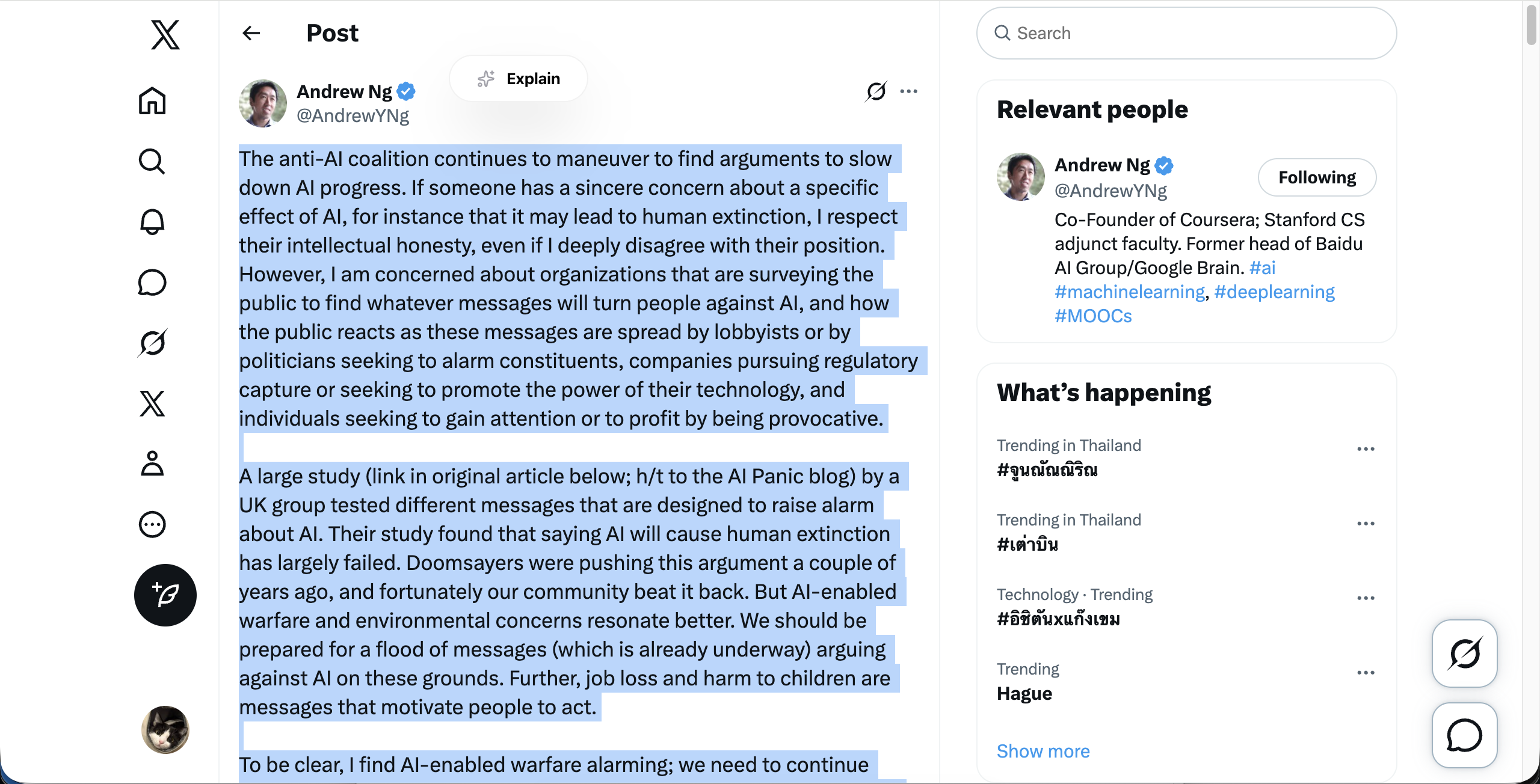
From lecture notes to API docs, WDTM helps people stay in the flow while difficult content gets easier to understand.
Understand academic articles, textbooks, essays, and research papers faster.
Break down dense paragraphs, literature, and technical terms while reading online.
Explain documentation, error messages, API references, and technical concepts.
Simplify difficult English content into clearer explanations.
Explain images, screenshots, charts, and diagrams directly from the browser.
Turn confusing moments into quick wins, whether you are studying, debugging, researching, or trying to understand what is on screen.
No hidden fees. Choose the plan that fits how much you read and research.
Casual Explanations
Forever free
Deep research and heavy readers.
Billed monthly
Have questions or suggestions? Reach out via any of these channels.
Quick answers for the things people usually ask before installing WDTM.
WDTM is an AI Chrome extension that explains confusing text, images, charts, diagrams, and web content directly on the page.
Highlight text or right-click supported visual content, choose WDTM, and get a clear explanation without leaving the page.
Yes. WDTM can help explain screenshots, images, visual references, and other image-based content from your browser.
Yes. It can simplify dense paragraphs, academic wording, technical terms, and sections of research papers while you read.
Yes. WDTM can break down charts, diagrams, and visual information into easier explanations.
Yes. Students can use it to understand textbooks, essays, academic articles, lecture material, and unfamiliar concepts faster.
Yes. Developers can use WDTM to explain documentation, API references, error messages, and technical concepts while browsing.
WDTM works directly where you are reading. You do not need to copy content, switch tabs, paste screenshots, or rebuild context manually.
Yes. WDTM has a free plan for casual use, with a Pro plan for heavier reading and research.
No. WDTM is designed for private, on-demand explanations and does not sell your data or track your reading history.